


1. Section “Bandwidth Usage”, click the pencil icon to set the filter “From-To Date” to be as same as the billing cycle period.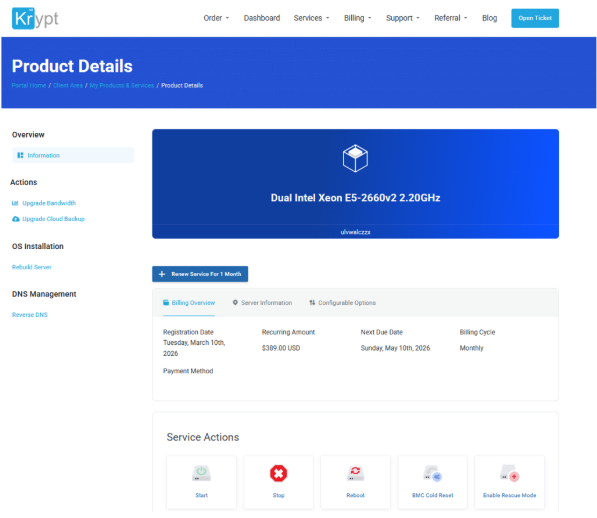

2. Accurated bandwidth usage will be displayed. 
Most Popular Articles
Register Account
How to Register Account 1. Go to www.krypt.asia Or, www.krypt.com 2. Click "Register" on...
Renewing servers
How To Renewing servers1. Go to Tab "Dashboard" then Click Active ServicesOr, go to under Tab...
Cancellation servers
How To Cancellation servers Click "Open Ticket" then choose "Billing - General"2. Please...
User Management
How To User Management If you want to manage users for your account, please follow the steps...
My Emails
How To Check My Emails 1. Go to Account, and then select "Email History" 2. You can view all...


 WeChat: Krypt98Official
 QQ:

 +1-855-579-7888