


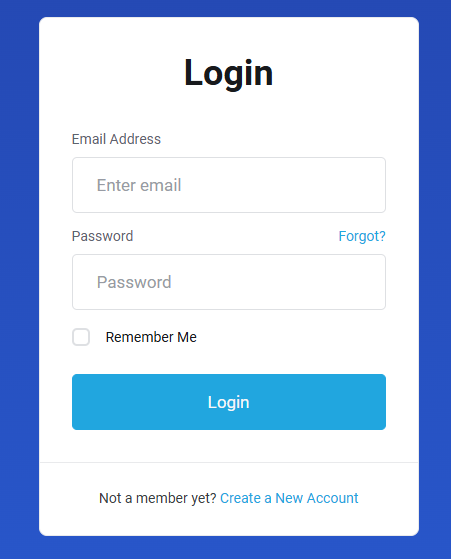
1. Login to https://www.krypt.com/login
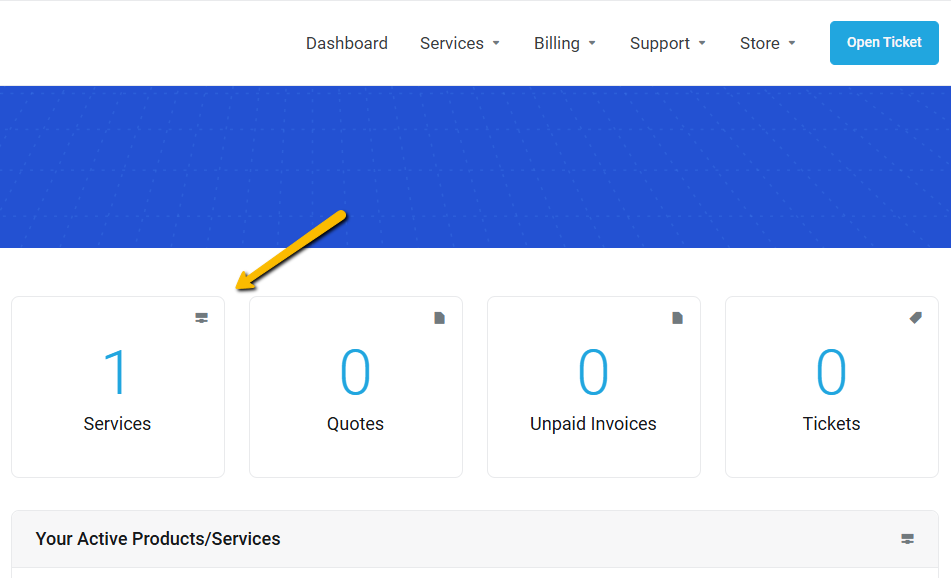
2. Go to Services
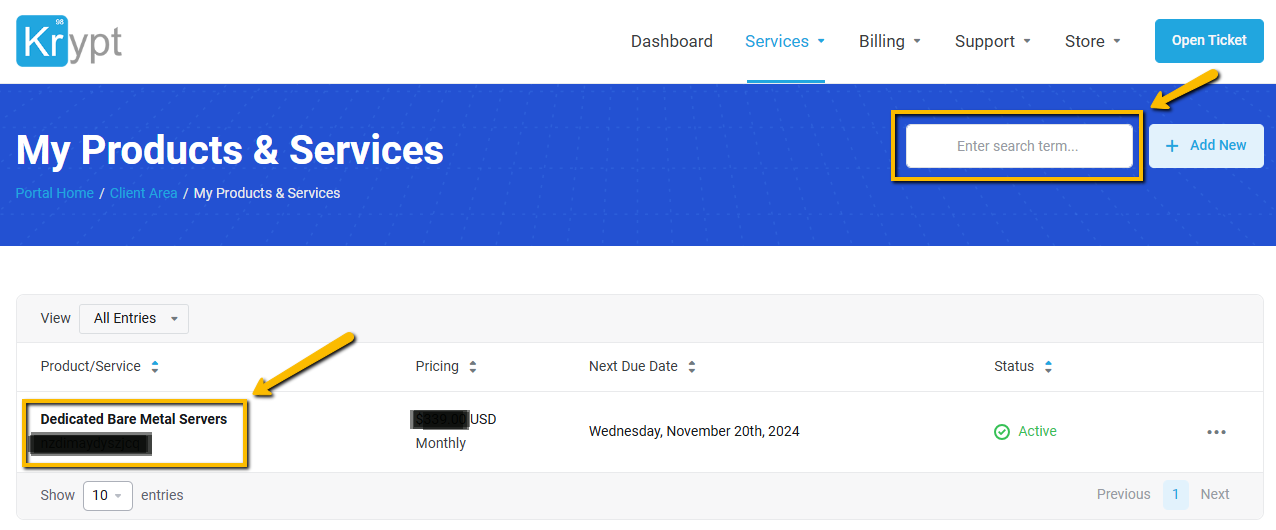
3. Select your product/service that you need to reboot
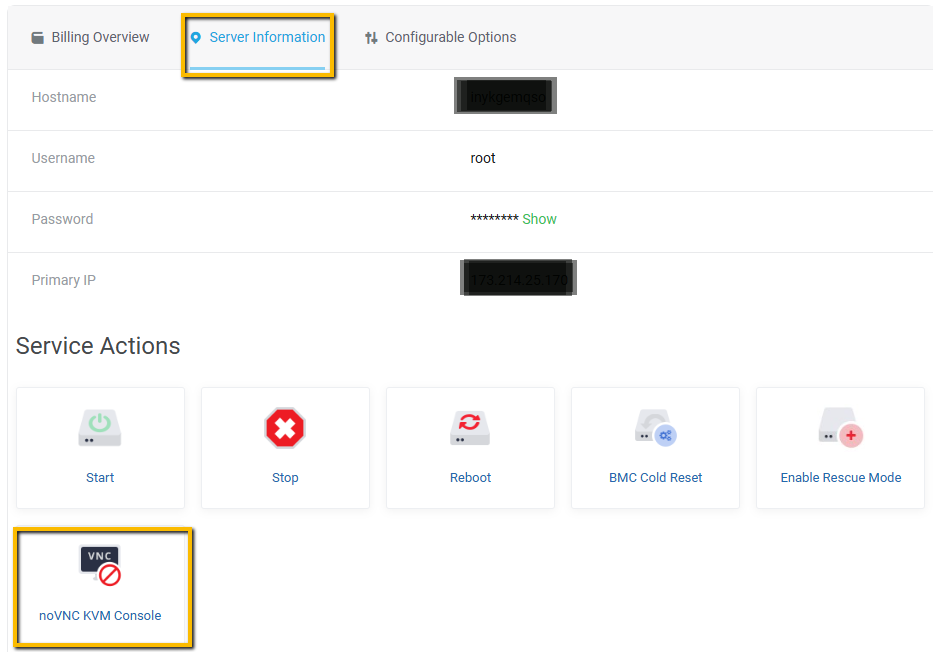
4. Select menu Server information > KVM Console
5. Click Confirm to open KVM Console
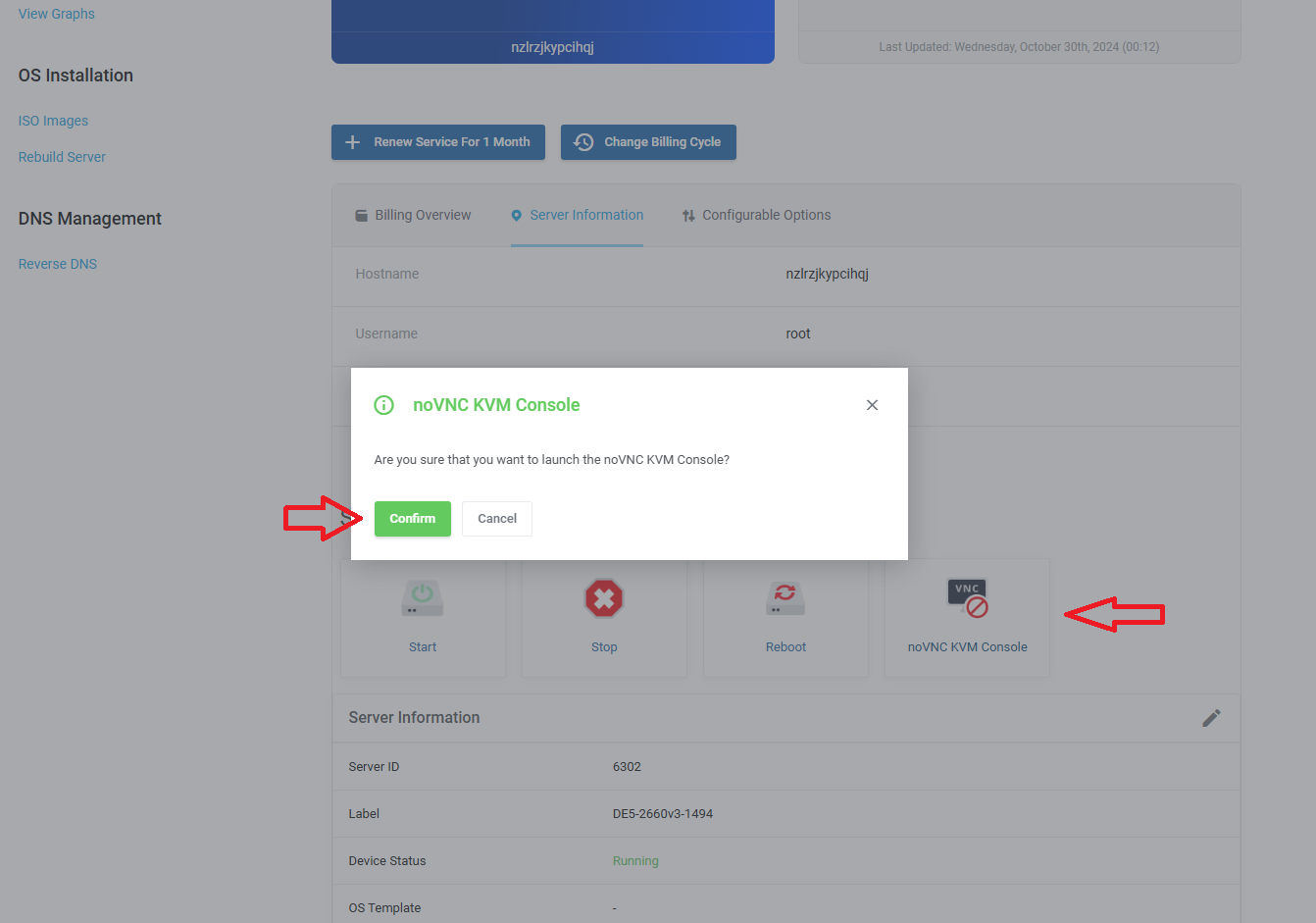
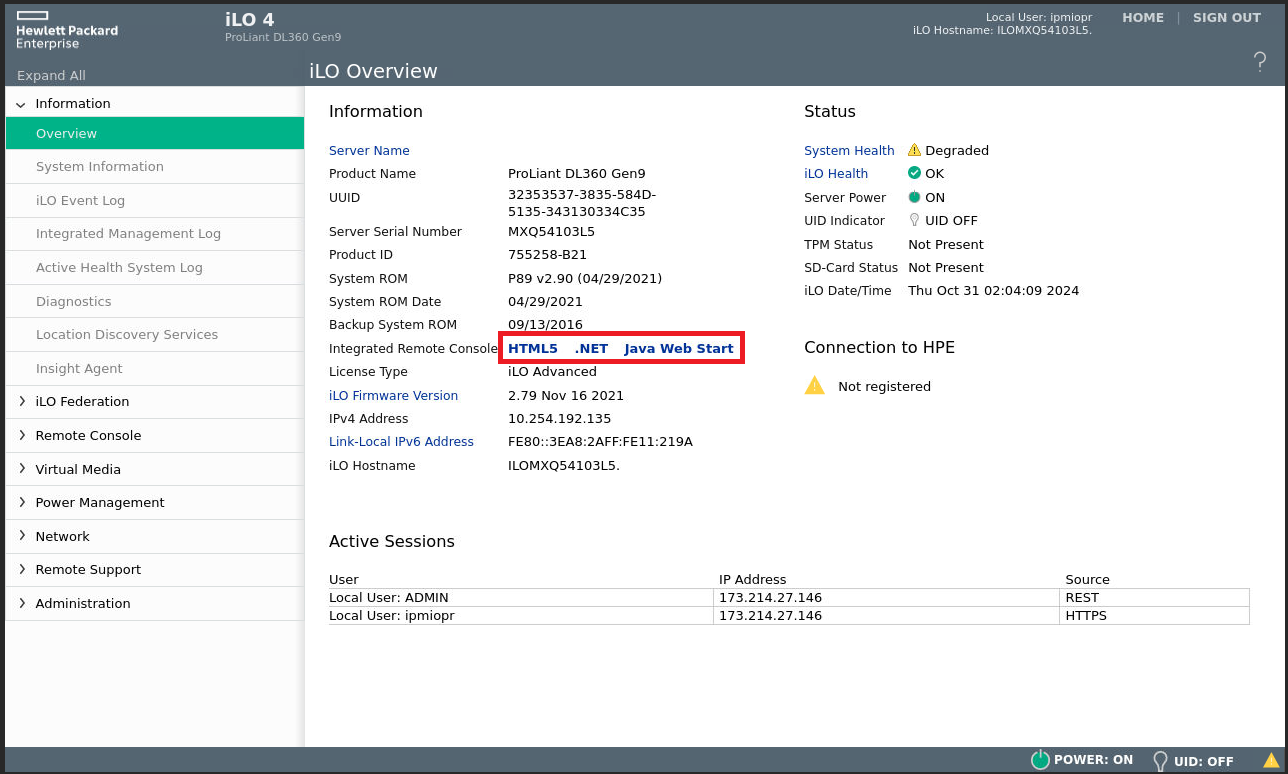
6. For the username and password, click Send Logging and Send Password.

7. Click HTML5 to open the KVM Console.



 WeChat: Krypt98Official
 QQ:

 +1-855-579-7888